
How to Translate Live Audio Fast and Well
25/6/2026
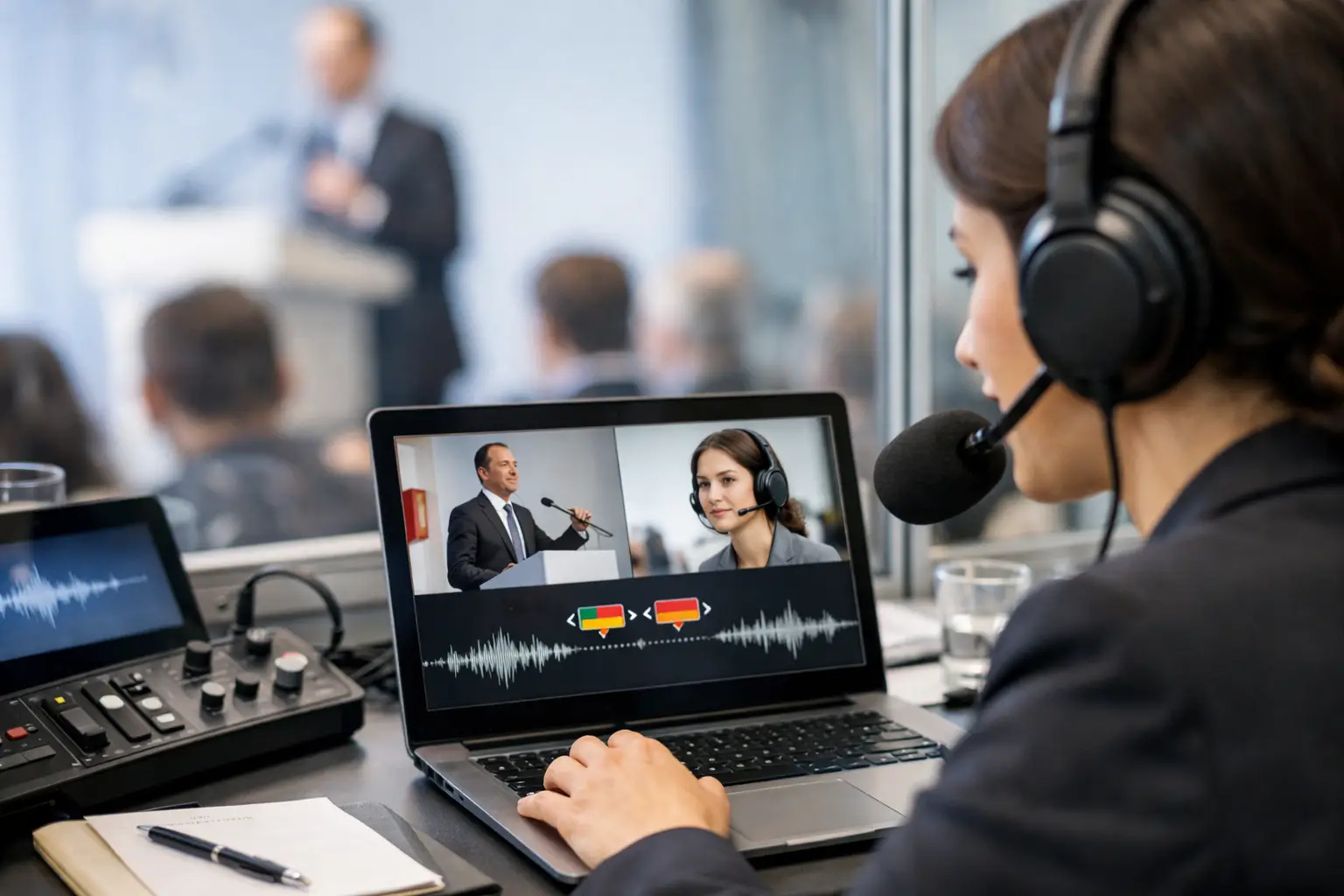
A live event starts in five minutes. One speaker is joining remotely, half the audience prefers another language, and nobody has time for software installs or technical delays. That is exactly when knowing how to translate live audio stops being a nice feature and becomes an operational requirement.
The good news is that live audio translation is no longer limited to large conferences with interpreter booths and specialist hardware. For businesses, universities, healthcare teams, tourism operators, and digital events, the process is now much faster and far easier to deploy. The challenge is not whether it can be done. The real question is how to do it in a way that is accurate enough, quick enough, and simple enough for real-world use.
How to translate live audio without slowing everything down
If your goal is speed, the most effective approach is usually an AI-powered live translation platform that runs in the browser. That matters because setup time is often the hidden cost in multilingual communication. If a team needs to download software, configure audio routing, or train staff before every session, the process breaks down before it begins.
A practical live workflow is straightforward. You connect the audio source, choose the spoken language, select the target languages, and let the platform process speech in real time. The translated output can then appear as subtitles, spoken audio, or audience-access streams that listeners join from their own devices.
This model works well because it reduces friction at every stage. Speakers keep speaking naturally. Audiences choose their language. Organisers avoid heavy technical setup. For most teams, that combination matters more than having a perfect studio-grade environment.
What makes live audio translation work well
The biggest factors are audio quality, latency, and language fit. If the source audio is poor, even the best translation system will struggle. Background noise, overlapping voices, weak microphones, and unstable connections create mistakes early in the chain. Once speech recognition gets something wrong, the translation layer has less to work with.
Latency matters just as much. In live communication, a delay of a few seconds can feel manageable. Longer than that, and conversations become awkward, especially in meetings, support calls, or teaching environments. That is why sub-second or near-real-time performance is so valuable. It keeps the exchange natural enough for people to stay engaged.
Language pair quality also varies. Common business languages often produce stronger results than highly specialised or low-resource combinations. That does not mean you should avoid multilingual delivery. It means expectations should match the context. A product webinar, classroom lecture, or travel briefing can often work extremely well with AI translation. A legal dispute or sensitive medical consultation may still require extra review or human oversight.
The basic setup you need
You do not need a complicated stack, but you do need a clean one. Start with a reliable microphone or direct audio feed. Built-in laptop microphones can work in a quiet room, but for events, webinars, or public sessions, a dedicated microphone is the safer choice. Clear input gives you better transcription and better translation immediately.
Next, decide how your audience will receive the translation. Some situations call for live subtitles on screen. Others need translated audio so attendees can listen in their preferred language. In larger venues or hybrid events, a browser-based access point or QR code system is often the fastest route because people can join from their own mobile phones without queueing for equipment.
Then set language choices before the session starts. This sounds obvious, but it avoids confusion when attendees arrive. If you know your audience mix in advance, preload the required languages and test each output path. The fewer decisions left to make during the event, the smoother the delivery.
How to translate live audio for different use cases
The right workflow depends on where the audio is coming from and what the audience needs.
For internal meetings, simplicity wins. Teams usually need fast translated captions or parallel audio with minimal interruption. Browser access is ideal here because staff can join quickly across devices and locations.
For events and conferences, scale becomes more important. You may need one speaker translated into several languages at once, with the audience listening on their own devices. In that setting, the platform has to handle multiple listeners without adding technical overhead for the organiser.
For education, clarity and reading support matter. Live subtitles can be just as important as spoken translation because they help multilingual learners follow terminology and structure. If sessions are recorded, transcription and subtitling also create useful assets afterwards.
For healthcare and support teams, response time is crucial, but so is caution. Live translation can reduce delays and improve access, especially for routine communication. Still, high-stakes conversations may need confirmation steps, slower pacing, or follow-up review depending on risk.
Common mistakes that reduce accuracy
Most failures in live translation are not caused by the translation engine alone. They come from preventable workflow issues.
Speakers often talk too quickly, interrupt each other, or move too far from the microphone. That creates messy input. If the source speech is rushed or inconsistent, the translated result will feel less reliable. A short speaker briefing before the session makes a real difference.
Specialist vocabulary is another issue. Technical terms, product names, acronyms, and local references can confuse automated systems if they are not pronounced clearly. In business settings, it helps to keep phrasing direct and avoid unnecessary slang.
Teams also underestimate the value of testing. Even a two-minute pre-check can catch the main risks: weak sound, wrong language selection, muted outputs, or audience access confusion. Live translation is fast, but speed should not replace preparation.
Choosing the right tool for live translation
If you are comparing options, focus less on flashy features and more on operational fit. A useful platform should start quickly, work in the browser, support the languages you need, and handle both live and follow-on tasks such as subtitles, transcripts, or dubbed content.
This is where an all-in-one model has a clear advantage. If your team needs live interpretation today, subtitles tomorrow, and translated video next week, separate tools create delays and duplicate work. A single platform keeps the workflow tighter and easier to manage.
It is also worth checking audience access. The best live translation setup is not only about what the organiser can control. It is about how fast listeners can actually join and hear the result. If access is confusing, adoption drops even when the translation itself is good.
Platforms such as iLoveToTranslate are built around this reality - fast setup, no installation, broad language coverage, and multiple output formats in one environment. For busy teams, that kind of simplicity is often the difference between using live translation regularly and postponing it until the next budget cycle.
When AI is enough, and when it is not
AI live translation is now strong enough for many business and operational scenarios. It can support meetings, events, training, education, tourism communication, and multilingual content delivery at a speed that human-only workflows rarely match. It also scales far more easily when you need several languages at once.
But there are trade-offs. If the context involves legal liability, critical diagnosis, sensitive negotiation, or highly nuanced language, you may need human review, post-session correction, or a blended model. Fast does not automatically mean final. The right standard depends on the cost of misunderstanding.
That is not a weakness. It is simply the right way to evaluate the tool. The strongest teams use AI where speed and coverage matter most, then add safeguards when precision carries higher consequences.
A simple workflow you can use today
If you need to get started quickly, keep the process lean. Choose a browser-based live translation platform, test the microphone and network, preselect your source and target languages, and decide whether your audience needs subtitles, translated audio, or both. Then run a short rehearsal with real speech, not just a sound check.
During the session, ask speakers to use clear pacing and avoid talking over each other. Monitor audience access and output quality in the first few minutes. After the session, save the transcript or subtitles if your platform supports it. That turns one live event into reusable multilingual content without extra production effort.
Live audio translation works best when it is treated as part of communication design, not just a technical add-on. If the setup is simple, the audio is clean, and the delivery matches the audience, the barrier drops quickly. And once people can understand in real time, everything else moves faster.
Bắt đầu miễn phí
Tạo tài khoản của bạn và thử bản dịch trong thời gian thực. Không có thẻ, không rắc rối.