
Why a Browser Based Translation Tool Wins
2026-06-25
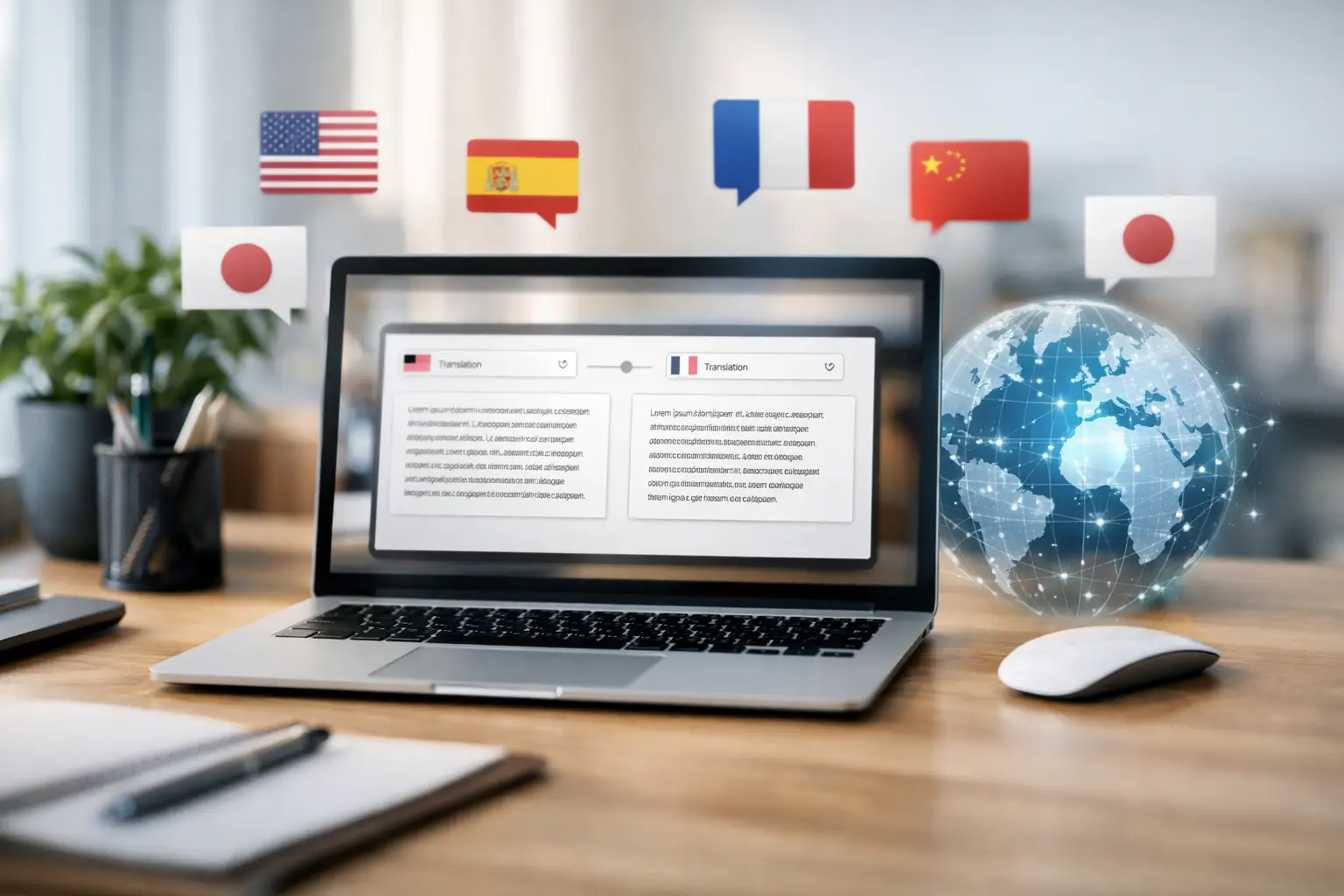
If your team still treats multilingual communication as a specialist project, you are probably losing time at every stage - meetings start late, content takes longer to publish, and support slows down when language becomes a blocker. A browser based translation tool changes that model. Instead of adding software, hardware, or a long implementation cycle, it lets teams start translating from the browser and move straight into delivery.
That shift matters because most organisations do not need more complexity. They need speed, access, and control. When a platform works in the browser, the barrier to entry drops fast. A support lead can launch multilingual assistance without waiting on IT. An event organiser can add live translated access for a global audience. A university can support students across languages without asking them to install anything first.
What a browser based translation tool actually solves
The appeal is not just convenience. It is operational simplicity.
Traditional translation workflows often split the job across several tools. One platform for live interpretation, another for subtitles, another for document translation, and another for dubbing or voice output. Each handoff creates delay. Each extra system adds training, procurement, setup, and support overhead.
A browser based translation tool reduces that friction by putting access, translation, and delivery into one environment. Users sign in, choose their languages, and start. That sounds simple because it is simple - and for most teams, that is exactly the point.
For operational leaders, the real value is in the time saved before the work even begins. There is no software rollout to manage across devices. There is no dependency on a single machine in a specific room. There is no need to explain a complicated setup to every participant. If someone has a browser and an internet connection, they can join the workflow.
Why browser access matters more than people think
No installation needed is often treated like a minor feature. In practice, it affects adoption, scale, and reliability.
Installed tools can work well for fixed internal teams, but multilingual communication rarely stays fixed. External attendees join an event. Patients access information on their own devices. Students connect from home. Travellers scan a code at a venue. Contractors, speakers, and remote stakeholders all enter the process from different devices and locations.
That is where browser access becomes a practical advantage. It removes the setup burden from the end user. People do not need to download an app, update software, or use a company-managed machine. They open a browser and participate.
This also improves rollout speed inside the organisation. If you are trying to launch live translation for a conference next week or add subtitles to multilingual content this afternoon, browser-first delivery is easier to operationalise. Less setup means fewer points of failure.
The best browser based translation tool supports more than live text
A lot of buyers start by looking for live translation and then realise the problem is wider than that. Meetings need captions. Recorded video needs subtitles and dubbing. Internal files need translation. External audiences need a simple way to listen in their language.
A strong browser based translation tool should therefore do more than convert speech into another language on screen. It should support the full communication flow.
That includes real-time translation for meetings and events, automatic subtitles for clarity and accessibility, dubbing for content localisation, document translation for day-to-day operations, and text-to-speech when spoken delivery matters. For public or hybrid events, audience access is just as important as translation quality. If attendees can join a translated stream quickly, adoption rises. If the joining process is clumsy, usage drops.
This is why all-in-one platforms have an edge. They help teams stop patching together separate services every time the format changes.
Where teams see the fastest impact
The strongest use cases tend to be the ones with high communication volume and low tolerance for delay.
Event organisers use browser-based translation to widen attendance without adding logistical friction. A QR code or browser link gives audiences immediate access to translated audio or subtitles, which is far easier to manage than distributing equipment or coordinating language-specific rooms.
Customer support teams use it to reduce waiting time across multilingual enquiries. Instead of escalating language issues or relying on limited in-house coverage, they can respond faster and serve more customers consistently.
Educational institutions benefit because students, parents, lecturers, and guest speakers often operate across multiple languages and devices. Browser access keeps participation simple, especially when users are not working from managed desktops.
Healthcare communication is another high-value case, though accuracy and privacy matter even more here. Speed helps, but clarity is critical. The right tool supports secure handling and fast access without creating technical obstacles for patients or staff.
Content teams use browser-based platforms to move from one-language publishing to multilingual output much faster. Subtitles, dubbing, transcription, and translated scripts can all sit in one workflow rather than being commissioned as separate projects.
What to check before choosing a browser based translation tool
Not every platform that runs in a browser is ready for real operational use. The difference shows up when volume rises or the context becomes more demanding.
Start with latency. If live translation is delayed too much, conversation breaks down. For meetings, support, and events, speed changes the user experience completely.
Then look at language coverage. A tool may support your primary pairs today, but expansion often creates new requirements quickly. Broader coverage protects you from outgrowing the system.
Ease of use matters just as much. If launching a session takes too many steps, teams will avoid using it. The best products let users begin in minutes, not after a long onboarding cycle.
You should also assess whether the platform covers multiple formats. If you need live interpretation now but subtitles and document translation next quarter, buying separate tools can create unnecessary cost and complexity.
Security should be part of the decision, especially for internal business material, educational records, or healthcare communication. Convenience is valuable, but not at the expense of proper handling.
Finally, check audience access. Browser-first should apply to the people receiving the translation, not only the administrator setting it up.
The trade-offs are real
A browser-first model is powerful, but it is not magic.
Quality still depends on audio input, speaker clarity, terminology, and context. Strong AI translation can move extremely fast, but specialist language, heavy accents, poor microphones, or overlapping speech can affect results. For some legal, medical, or highly sensitive scenarios, you may still want human review or a blended workflow.
Internet dependence is another factor. Browser access is ideal for flexibility, but stable connectivity matters. If the environment has weak bandwidth, performance can suffer.
There is also a change-management point to consider. A tool may be simple, yet teams still need a clear reason to adopt it. The fastest route to usage is to tie it to a visible outcome - faster event access, quicker support handling, or broader audience reach.
Why this model is gaining ground now
The market is moving towards faster deployment and fewer specialised systems. Teams want communication tools that fit into live operations, not projects that need months of planning.
That is why the browser model has become more attractive. It matches how modern organisations work: distributed staff, mixed devices, global audiences, and constant pressure to publish and respond faster. The tool that wins is not the one with the longest feature sheet. It is the one people can actually use immediately.
This is also where platforms like iLoveToTranslate stand out. When live translation, subtitles, dubbing, transcription, and document handling sit in one browser-based environment, organisations can scale multilingual communication without building a complicated stack around it.
The practical question to ask
Do you need a translation system, or do you need people to start understanding each other today?
That question usually clarifies the buying decision. If the priority is speed, cross-device access, and low operational friction, a browser based translation tool is often the stronger choice. It gets teams out of setup mode and into delivery mode.
The smartest technology decisions are rarely about adding more. They are about removing what slows communication down - and giving every speaker, viewer, attendee, or customer a faster way to be understood.
Kom igång gratis
Skapa ditt konto och prova översättningen i realtid. Inget kort, inget besvär.