
Live subtitles
Real-time translated subtitles for broadcast and streaming
Generate live subtitles, translate them to any language on the fly and insert them as an overlay on your camera in OBS, vMix, Blackmagic ATEM, Zoom or Meet.
Live subtitles
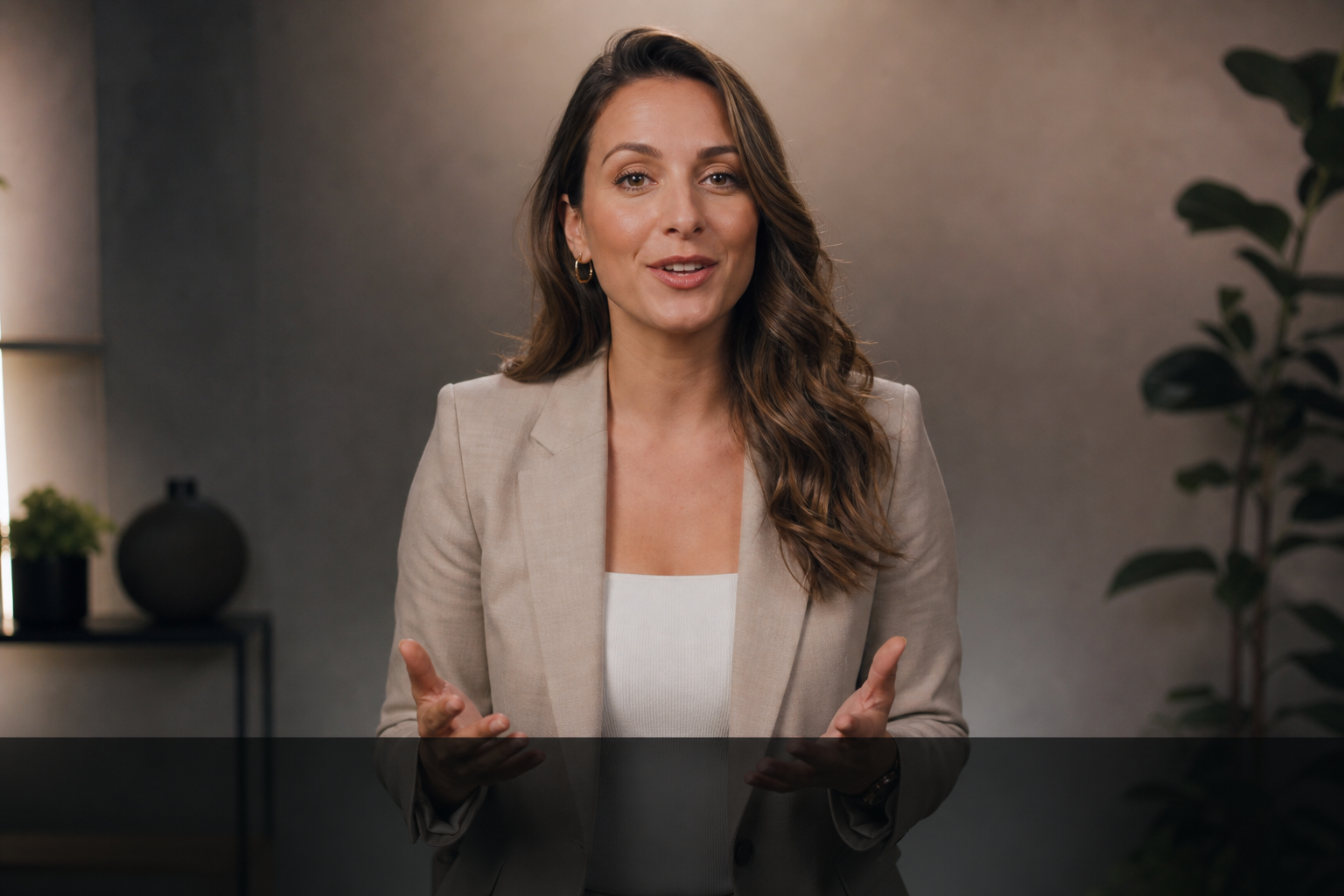
LIVE
Camera
Welcome to today’s conference
Bienvenidos a la conferencia de hoy
Broadcast ready
Features
Live subtitles
Instant transcription of the speaker's audio.
Simultaneous translation
Translate subtitles to any language on the fly.
Mixer compatible
OBS, vMix, Blackmagic ATEM, Zoom and Meet.
Customizable style
Font, color, position and size are adjustable.
Real-time overlay
Updates word by word over the camera feed.
SRT export
Download subtitles for post-production.
Use cases
Live and streaming
Professional subtitles over your camera feed.
Hybrid events
Accessibility and languages for in-person and remote.
Broadcast production
An overlay ready for your mixer or video switcher.
Academic conferences
Subtitle talks for international audiences.
Corporate webinars
Add multilingual subtitles to your online trainings.
TV production
Direct integration with your live production workflow.
Manual subtitling
Requires a live technician or stenotypist
High cost per event
Only one language at a time
Hard to integrate with mixers
Live Subtitles
Automatic and real-time with AI
Affordable fixed cost
Simultaneous multi-language
Native integration with OBS, vMix and ATEM
Frequently asked questions
As a Browser Source you place over your camera in the composition.
Yes: font, text color, background, position and line count to match your brand.
Yes. You can capture the audio and display subtitles as a shared overlay.
Yes, in SRT format ready for post-production or archiving.
Yes. We use state-of-the-art AI models that deliver high-accuracy transcription, even with accents and moderate background noise.
Yes. You can create multiple overlay instances, each set to a different language, and insert them simultaneously into your composition.